
📘 Trimlink Open API Documentation
Our OpenAPI (Swagger) interface gives you a complete and interactive overview of all available endpoints. Developers can test, explore, and integrate directly from the browser.
🔍 What You Can Access
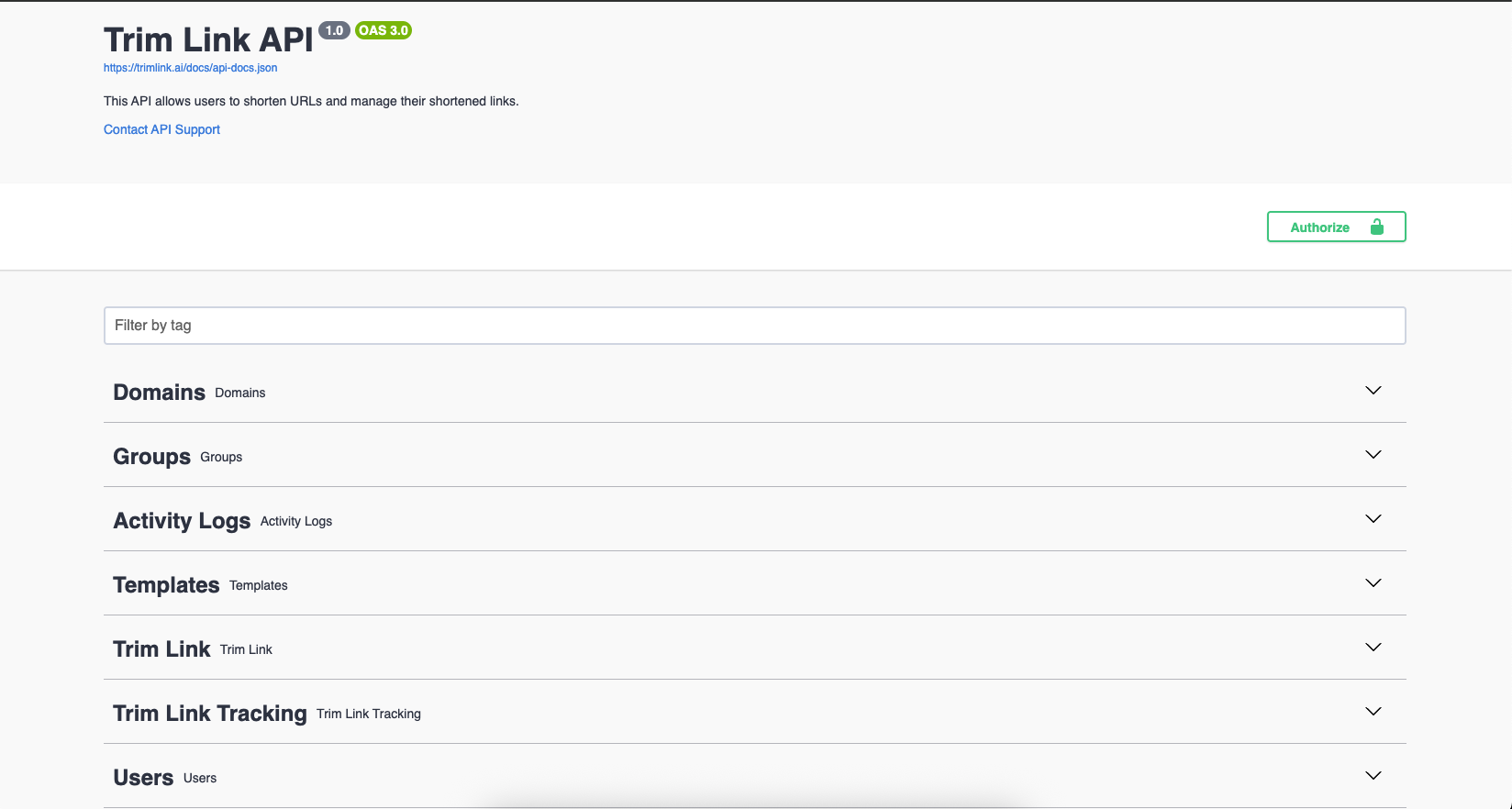
The API is organized by categories such as:
- 🌐 Domains – manage your custom domains
- 👥 Groups – organize links under group tags
- 📈 Activity Logs – monitor system activity
- 🧩 Templates – configure and apply branding templates
- 🔗 Trimlinks – create and manage shortened URLs
- 📊 Tracking – analyze click data and insights
- 👤 Users – manage user profiles and permissions
You can authorize directly in the browser to try out endpoints using your API key or OAuth token.
🖼️ Visual Overview
🧠 Tips for Using the API Docs
- Use the Authorize 🔐 button to authenticate and unlock all endpoints.
- Expand sections like
TrimlinkorUsersto view detailed API specifications. - Try API requests directly from the page and see live responses.
- Use your generated Access Token or OAuth App credentials.
🚀 Start Building
The Open API explorer is ideal for developers who want to:
- Test the API before full integration
- Learn request/response formats
- Explore endpoint capabilities in real-time